

Black FridayDocumentary Template Package
Every documentary template I've made. 40% off.Every documentary template I've made.
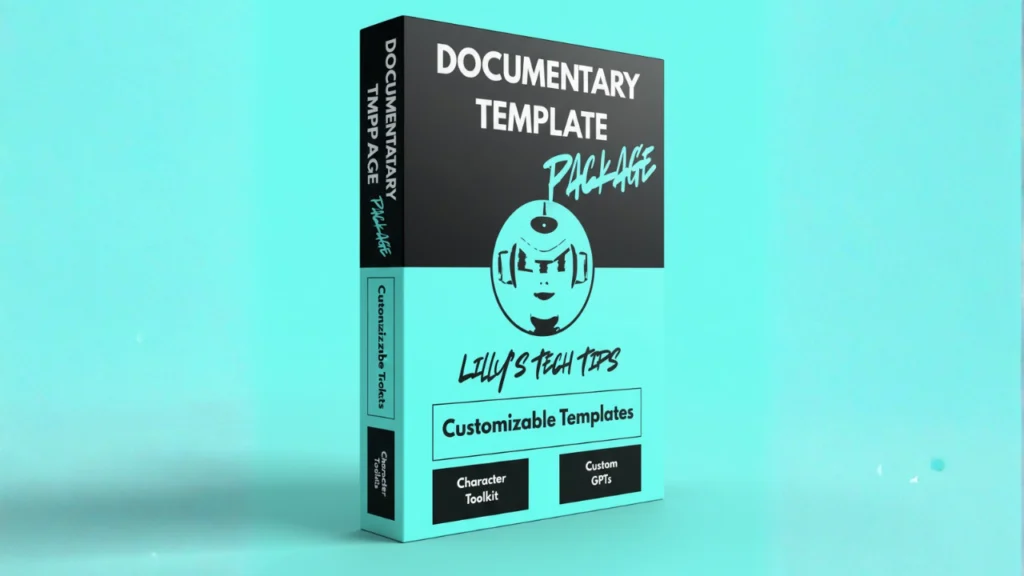
28 editable Canva templates from the tutorials behind 4.8 million views: Vox, Johnny Harris and MagnatesMedia-style edits, maps, timelines and character animation. Buy once, keep them for life, and get every new template I add for free.
$38.50$23.10one payment, no subscription
$38.50one payment, no subscription
Sale opens in
Instant access · Future templates included free · Secure checkout by Stripe
Sale ends in
The Black Friday sale has ended.
Get all 28 for $38.50 →Instant access · Future templates included free · Secure checkout by Stripe
- 87KYouTube subscribers
- 4.8Mtutorial views
- 3,200+Patreon members
What's inside
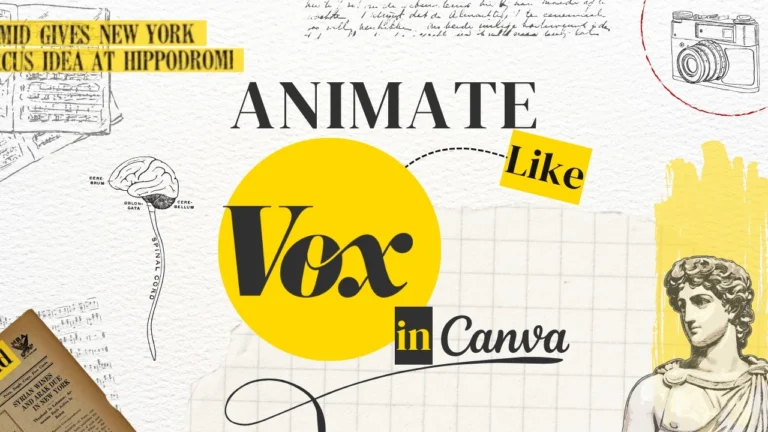
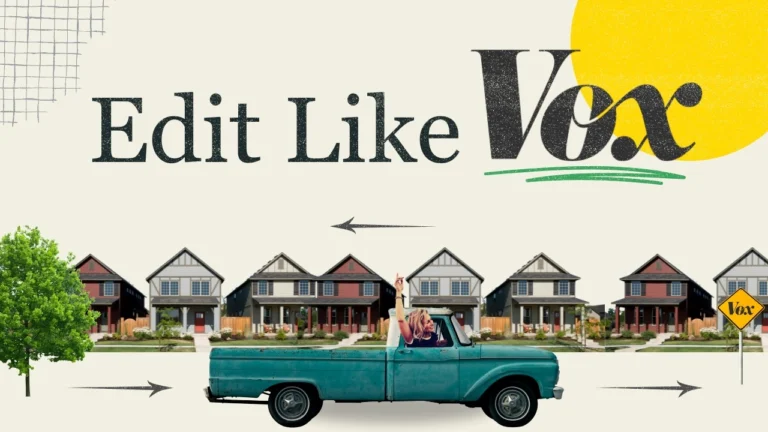
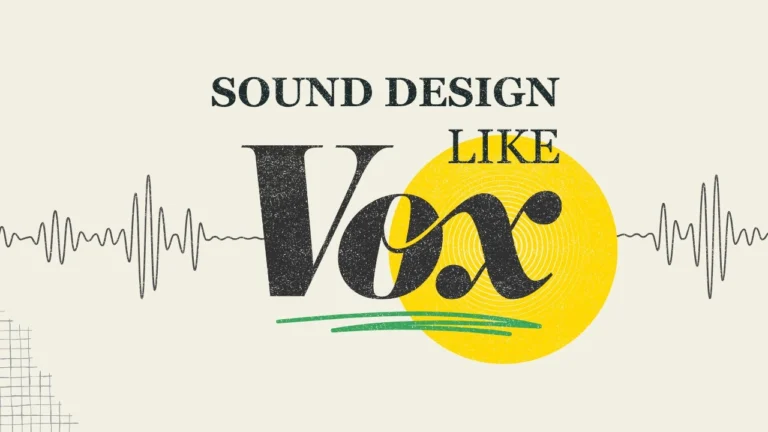
All 28 templates. Open in Canva, swap in your story.
Each one is the finished project file from a tutorial, with the animation, timing and sound design already done.
 Documentary Cold Open (Claude Skill)
- Vox-Style Documentary
- Vox v2 Edit
- Vox Sound Design Series
- Vox-Style Edit with Paper Crunch
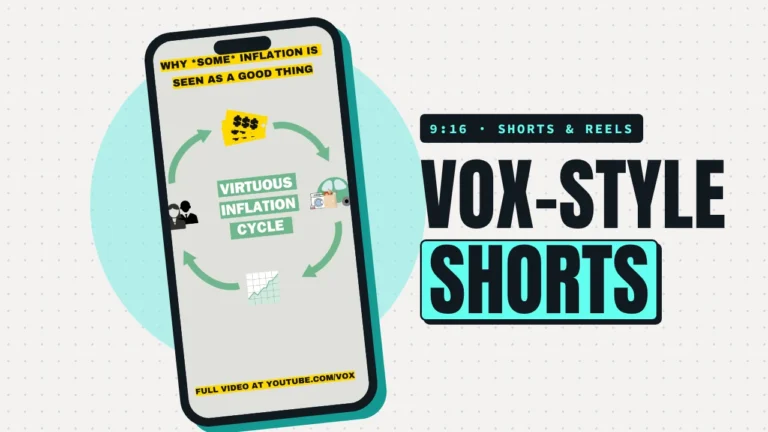
- Vox-Style Shorts
- Historical Documentary
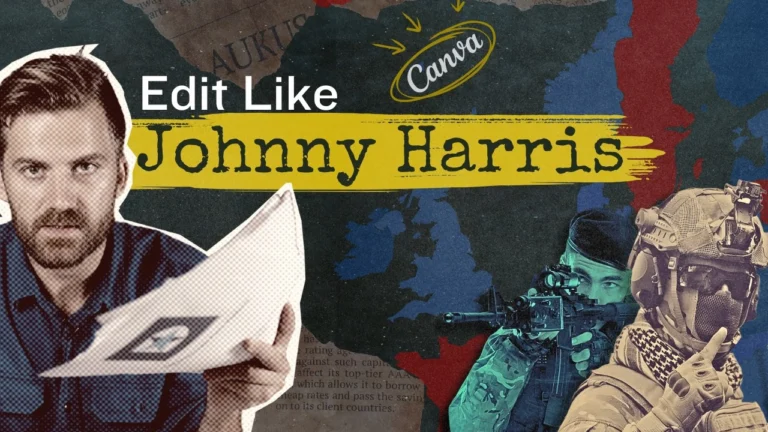
- Johnny Harris Documentary Edit
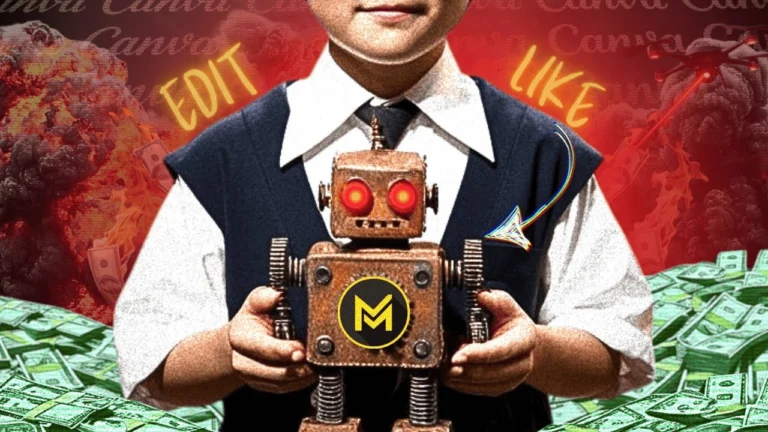
- MagnatesMedia-Style Edit
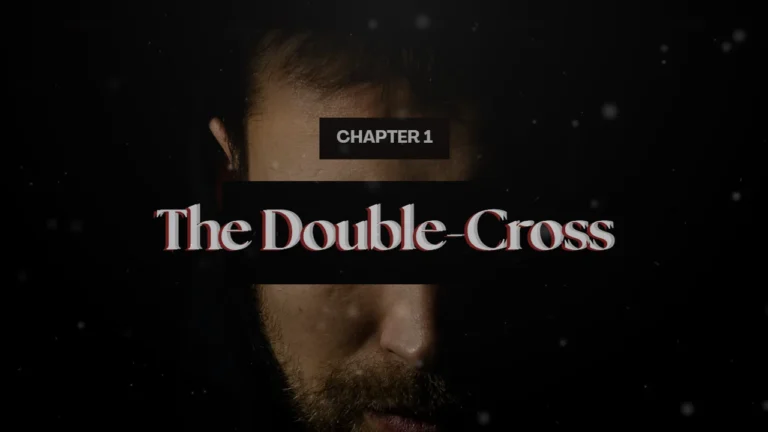
- True Crime Intro
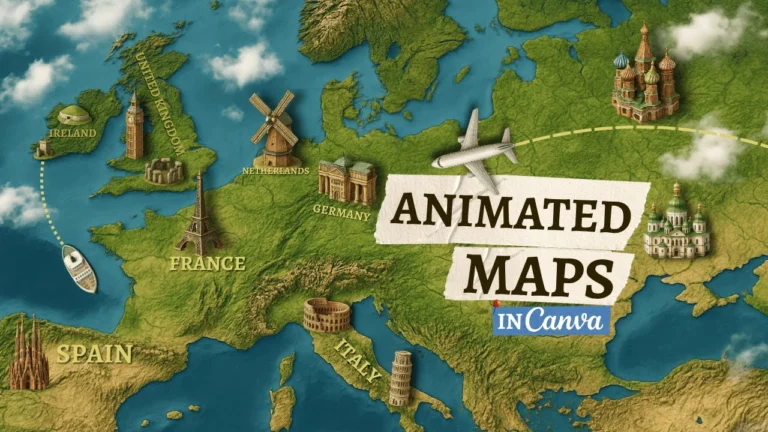
- Custom Map Animations
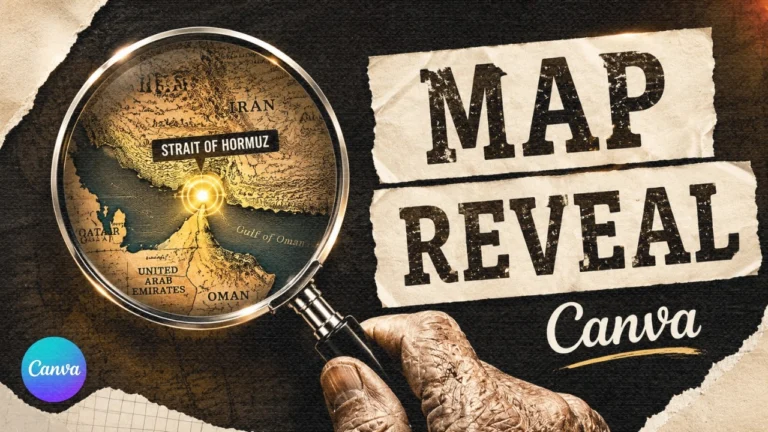
- Map Magnifying Glass Transition
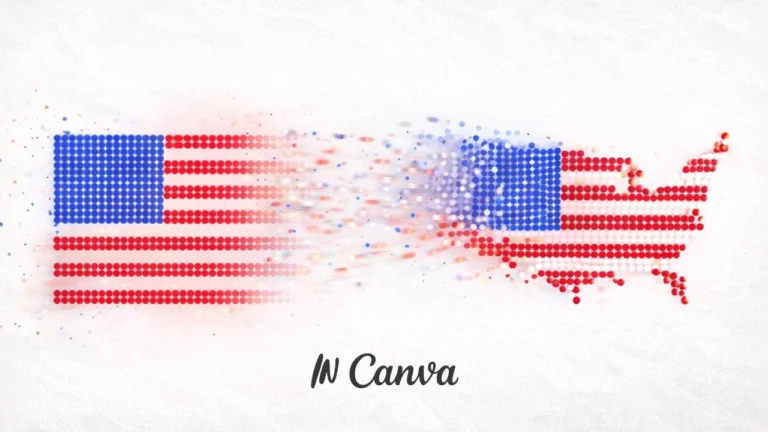
- Morphing Flag-to-Map Animation
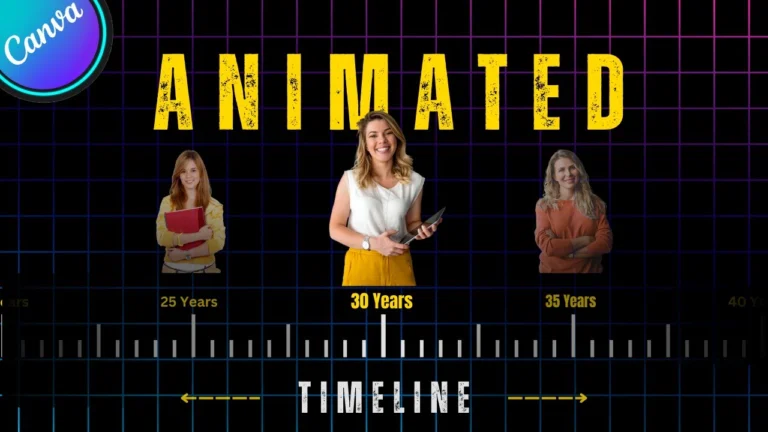
- Animated Timeline
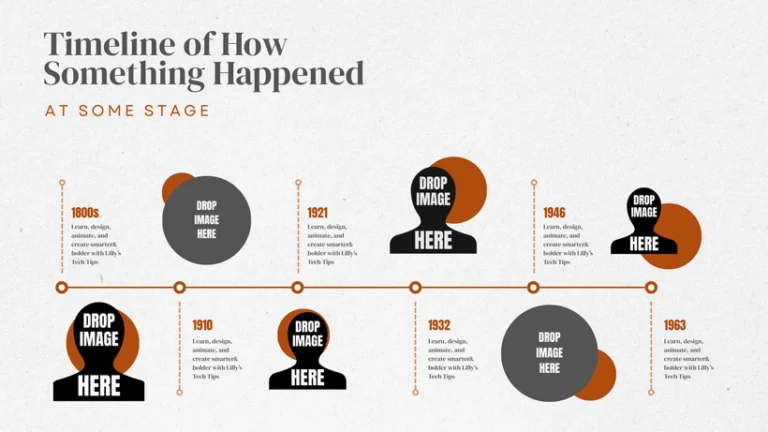
- Animated Timeline Infographic
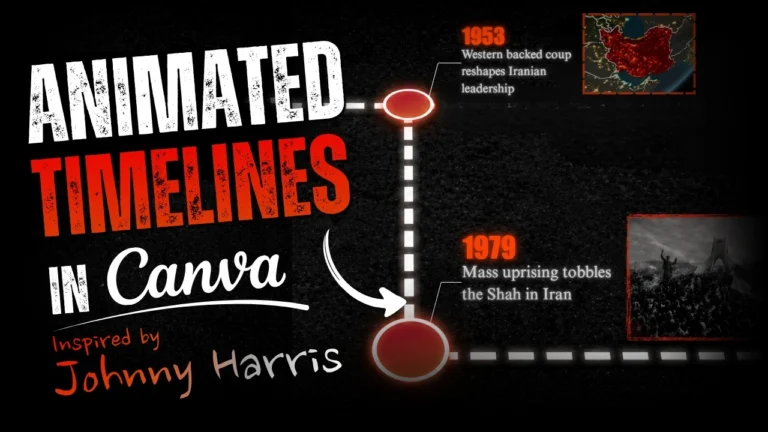
- Documentary Timeline Animation
- Scrolling Timeline Animation
- Animated Time Counter
- Animated Infographic Chart
- Cut-Out Motion Graphics
- Cut-Out Animation
- 3D Object Animation
- Character Animation Scene
- Animated Character Tool Kit
- Collage Title Reveal
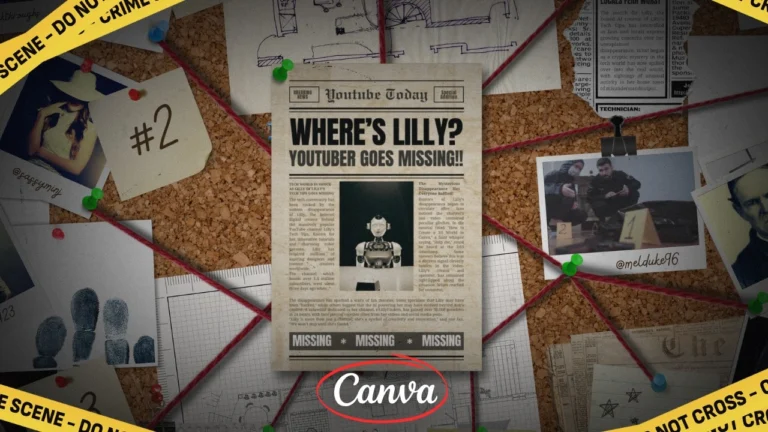
- Detective Investigation Board
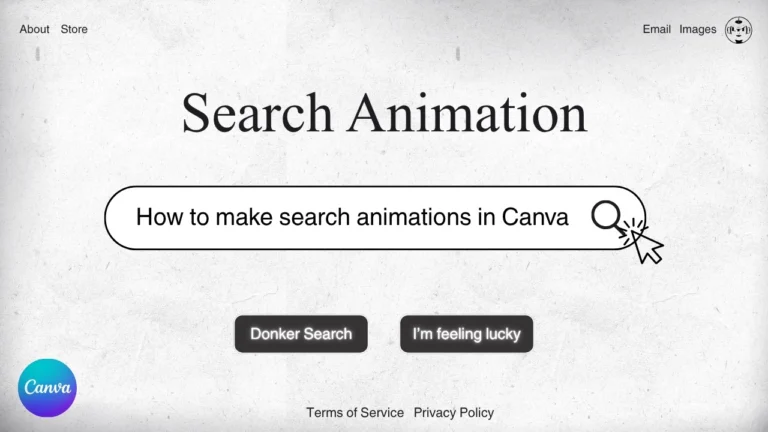
- Animated Search Results
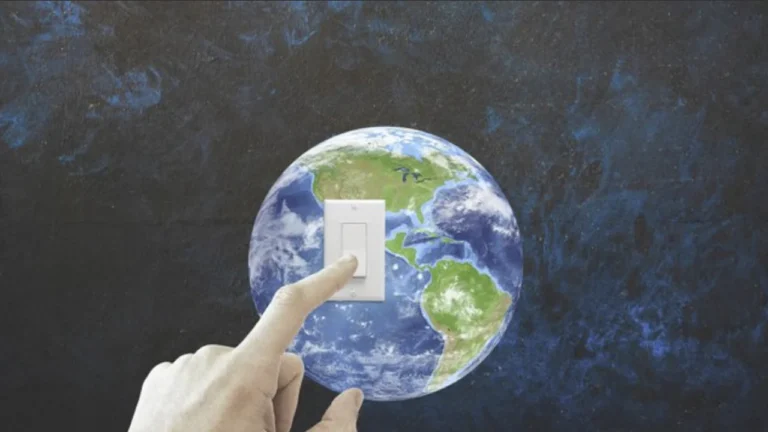
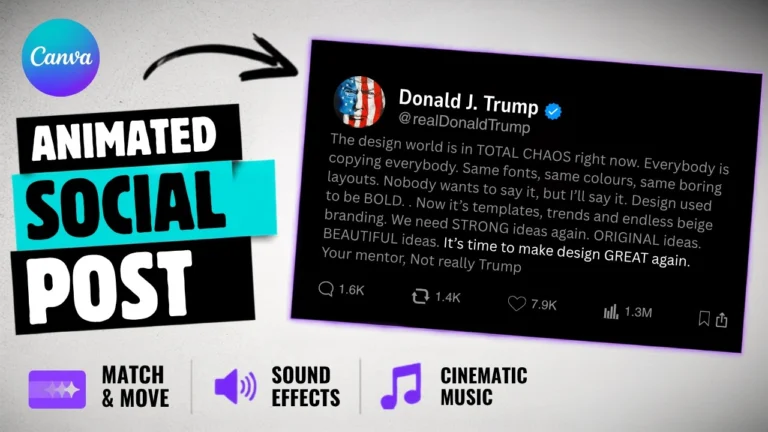
- Animated Social Post Reveal

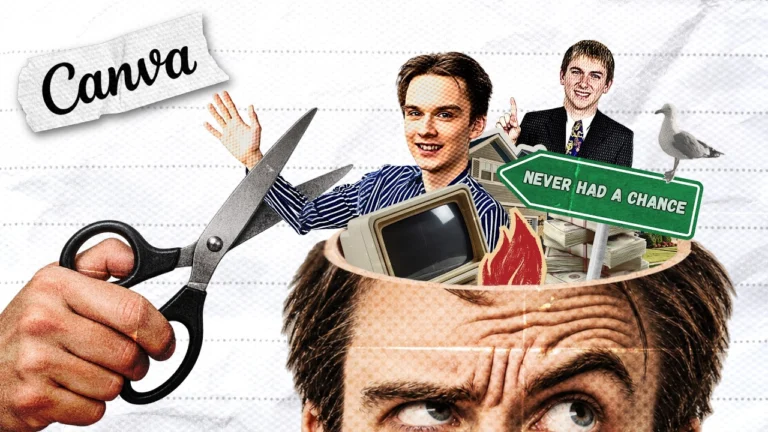
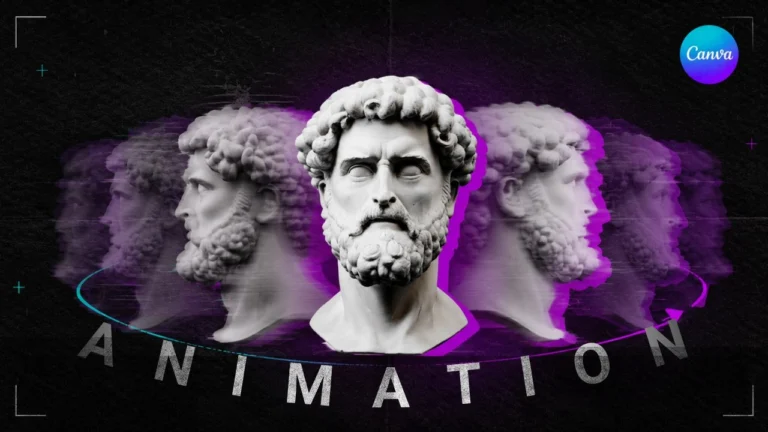
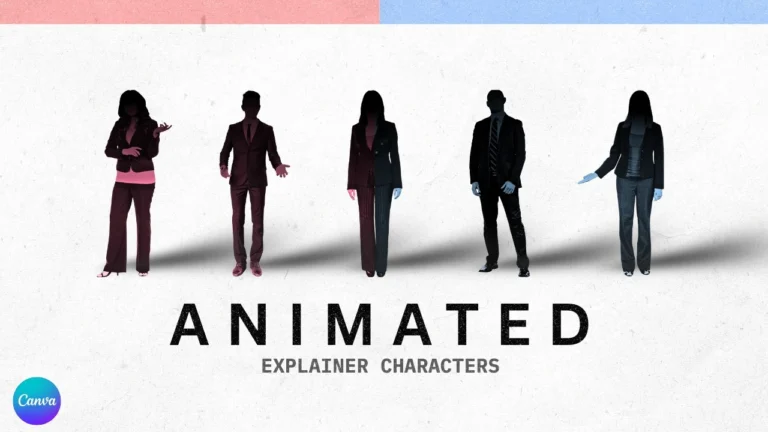
Also included
- A "How to use it" guide on every template
- Two companion GPTs, for custom maps and for planning a documentary
- A Claude skill that finds public-domain footage for you
- Music, prompts and extra assets from the tutorials
- Every new template I add, free, for life
Why these templates
They come from tutorials people actually watch.
- 1.2M viewsVox-Style Documentary tutorial
- 414K viewsVox-Level Editing tutorial
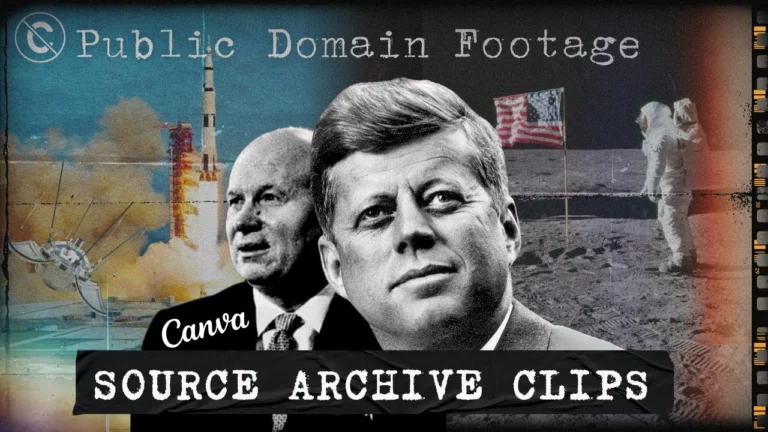
- 150K viewsDocumentary From Free Archive Clips
- 100K viewsMagnatesMedia-Style Edit tutorial
- @woncricket
I've been searching for a perfect breakdown on YouTube for documentary-style editing using Canva for the past 4 years, and not a single video matches the quality and clarity of yours.
1K likeson the Vox-Style Documentary tutorial - @Origimous
I have never thought, in a million years, that you can do THIS using just Canva.
762 likeson the Vox-Style Documentary tutorial - @akshaythepunekar
Being an editor myself who always looks down on Canva, you really nailed it!! That workflow was beautiful!
20 likeson the Vox-Style Documentary tutorial - @LittleMan-x4w
This single video has inspired a generation of stick figure channels. … I figured it out and started my YouTube channel with two videos yesterday. Thank you!
37 likeson the Stick Figure Animation tutorial
How it works
From checkout to Canva in about a minute.
- 1
Pay once
Name, email and card. Your account is created for you at checkout. No subscription.
- 2
Open My templates
Your account is made for you and all 28 templates are in it straight away. The link is in your receipt email too.
- 3
Make it yours
Open a template in Canva, follow the short guide and drop in your own footage and text.
The offer
28 templates for $23.10. That's about 83c each.
This is the only time of year I discount the package. When the sale ends it goes back to $38.50. Buy it this week and it's yours for life at the lower price, including every template I add later.
The package
28 templates, one payment, yours for life.
Including every template I add later.
$38.50$23.10
$38.50
- 28 editable Canva templates
- Guides, GPTs and extra assets
- Every future template, free
- One payment, lifetime access
Sale opens in
Sale ends in
Questions
Before you buy
Do I need Canva Pro?
Yes. Most of the templates use Canva Pro elements and features, so a free Canva account won't open them properly.
Do I need an account?
Yes, but you don't have to make one first. It's created for you at checkout with your email, and your templates are waiting in it.
How do I get the templates?
Straight after payment you'll see an "Open my templates" button, and the same link is in your receipt email. Each template opens in Canva as your own editable copy.
Is this a subscription?
No. It's one payment and you keep access for life.
What happens when you add new templates?
They're added to your account automatically, free. You pay once and get every future template too.
What currency is the price in?
US dollars. Your bank or card converts it if you pay in another currency.
Don't miss the week it's 40% off.Tell better stories. Start with 28 finished ones.Tell better stories. Start with 28 finished ones.
Remind me when it opens → Get all 28 for $23.10 → Get all 28 for $38.50 →Instant access · Future templates included free · Secure checkout by Stripe
